The Design Lab & FigJam Atelier
I design all kinds of things for the pure love of creating—from complex legal interfaces and hackathon systems to physical ID badges and playful vector posters. Here are four distinct ways to peek inside the raw thinking and FigJam canvases behind the work.
Ideation → Reality Comparison
Drag the handle horizontally to slide between the raw FigJam whiteboard screenshot and the finished production design in Figma.
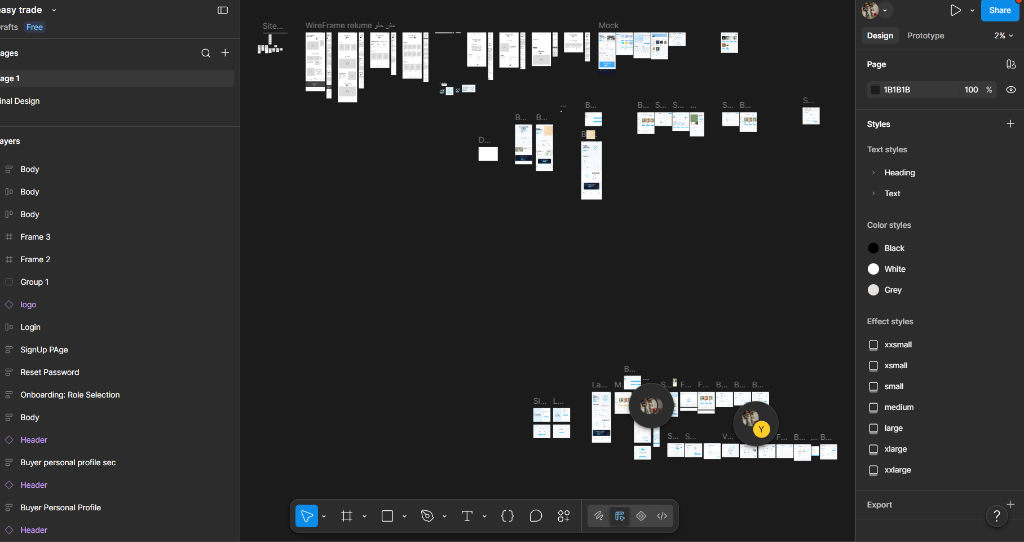
Exhaustive sitemaps mapping asset catalogs, order routing, and wallet reconciliation.
Testing financial ticker density and low-latency interaction models across dozens of wireframes.
Iterating until the final UI felt seamless across desktop trade desks and mobile views.
Easy Trade — End-to-End Trading Experience
The Blueprint & Tracing Paper Roll
Unroll the architectural tracing paper horizontally to follow an idea from initial FigJam sticky notes to production UI and physical print collateral.
Raw Brainstorm & Sticky Clusters
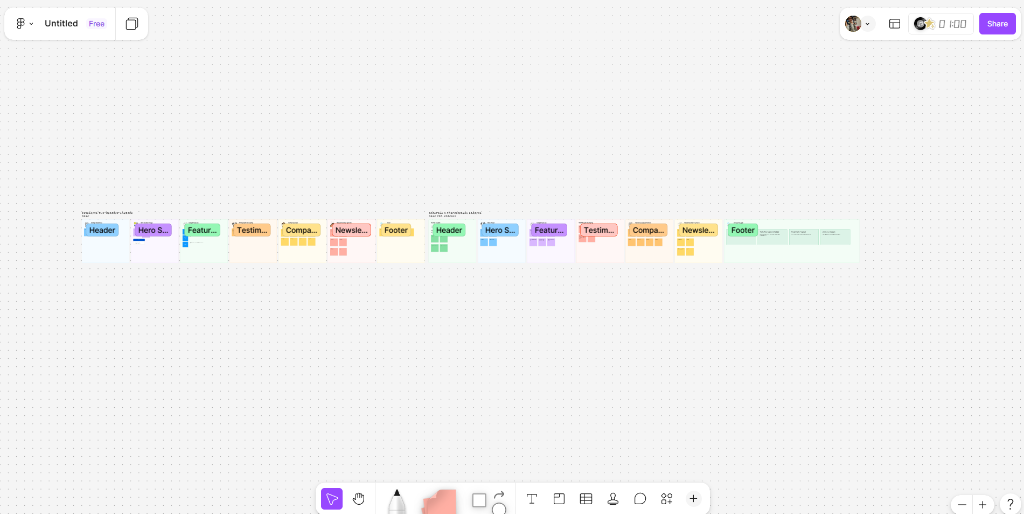
Section-by-section breakdown: Header, Hero, Features, Testimonial, Newsletter, Footer
- Hackathon committees lose hours handling manual spreadsheet check-ins.
- FigJam sticky clusters lay the groundwork before touching pixels or code.
- Aesthetic rule: warm alabaster stone palette, zero cold generic tech templates.
Information Architecture & Logic Flow
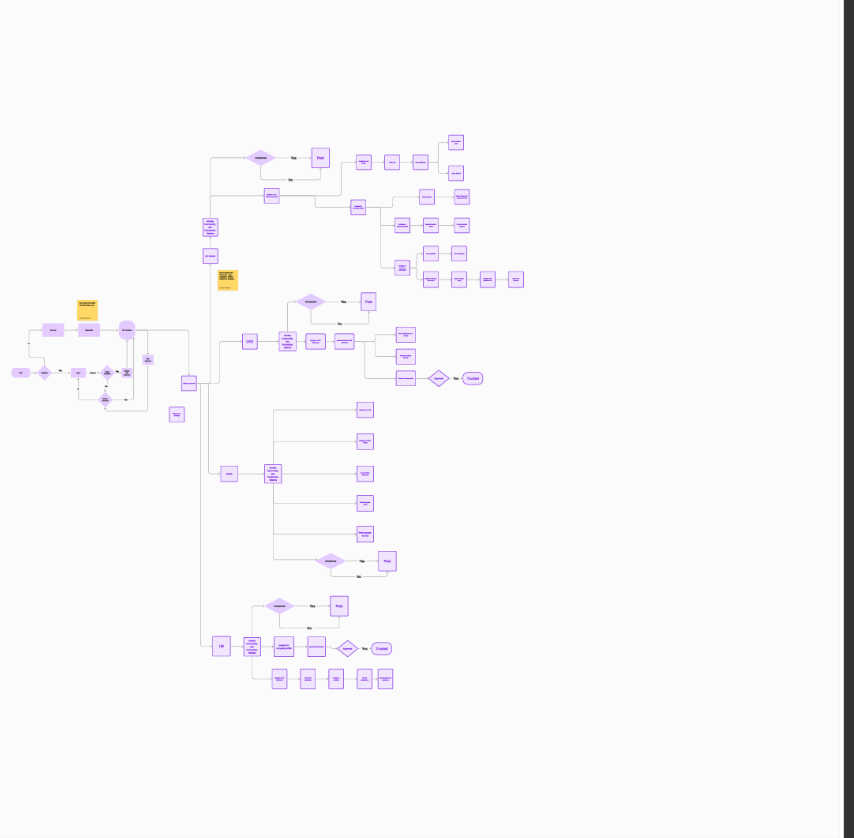
HirEase Genesis Flow: Multi-tenant branching across Job Seeker, Recruiter, and Admin
- The pivotal moment: mapping complex software pathways before writing code.
- Role branching: Candidate routing, resume parsing, and recruiter approval loops.
- Decision diamonds with instant error fallback loops for friction-free UX.
Component Matrix & Design Tokens
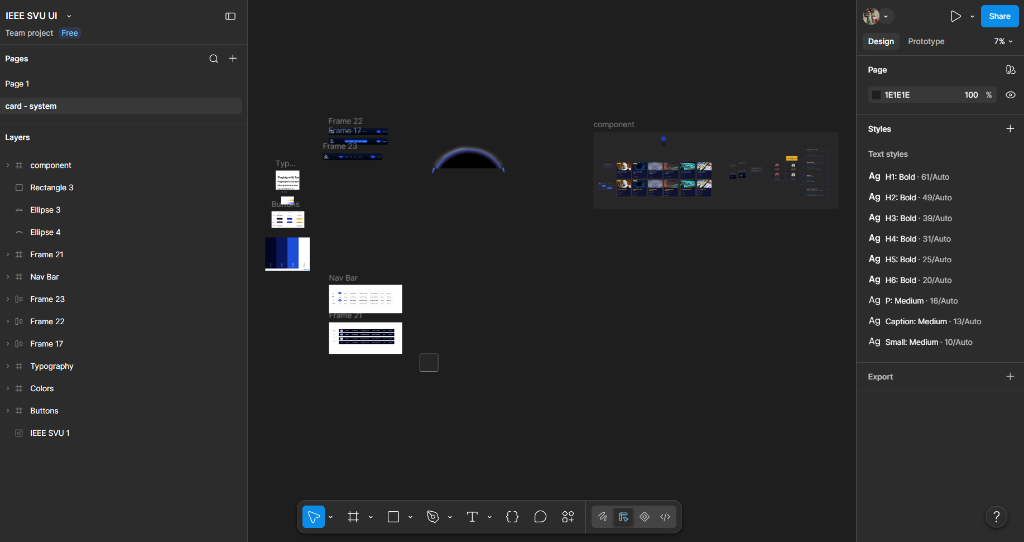
IEEE SVU design tokens: Ag H1-Small scale, button variants, and navigation headers
- Rigid typographic hierarchy: Ag H1 (61px) down to Small (10px) with auto-leading.
- High-contrast dark mode foundation (#1E1E1E) with electric blue glowing arcs.
- Component matrix: default, hovered, active, loading, disabled across states.
Physical Print Badges & Space UI
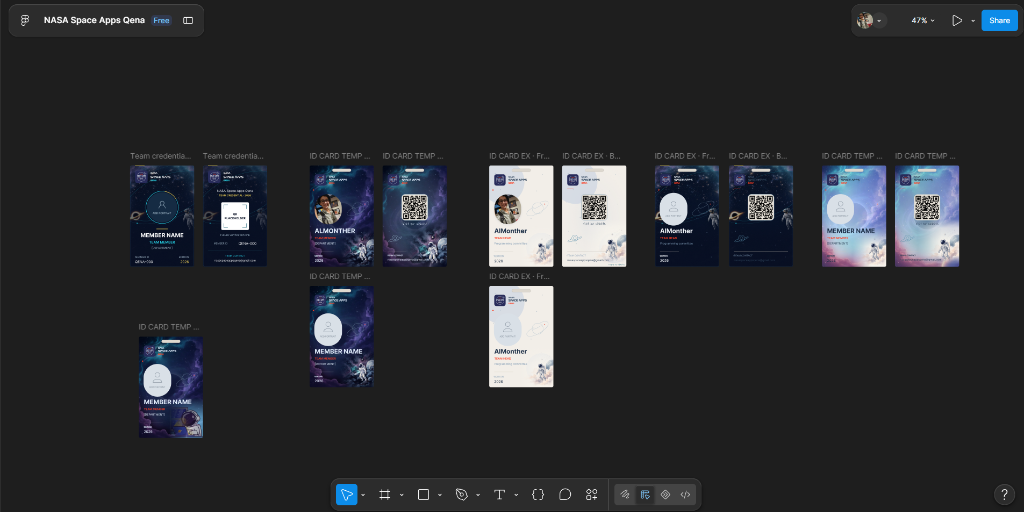
Vector ID badges printed at 300 DPI CMYK with verified lanyard punch lines
- Bridging the screen to physical print: holding the tangible badge in hand.
- Calibrated 3mm bleed margins and safety cutoff lines for commercial press.
- NASA Space Apps web portal engineered with sub-second page transitions.
Progressive “Peek & Inspect” Lightbox
Click any board below to expand an annotated inspector modal with high-res canvas previews, process notes, and architectural decisions.
Easy Trade: Full-Scale UI System
End-to-End Sitemaps, Wireframes & Screen States
HirEase: The Genesis User Flow
1st Ever User Flow & Multi-Tenant Logic Tree
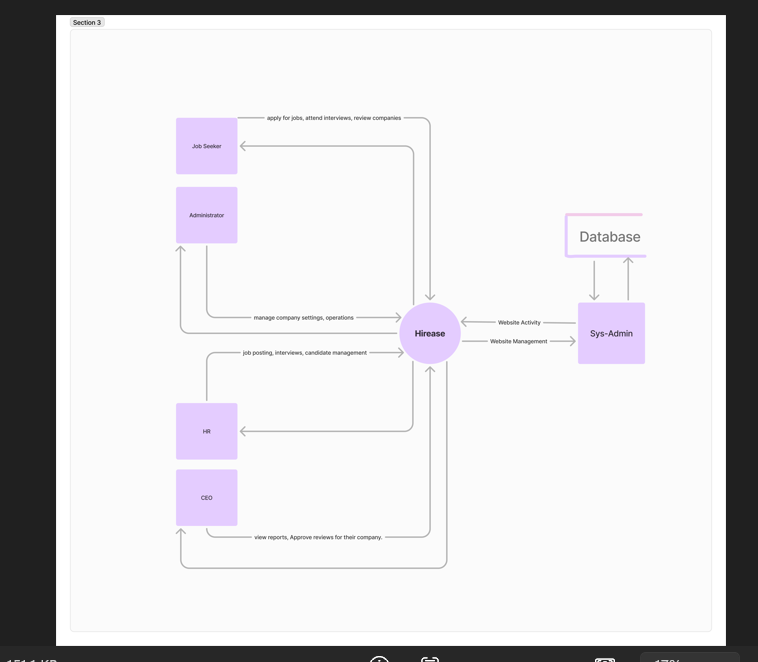
HirEase: System Entity Topology
Actor Hierarchy & Database Relationships
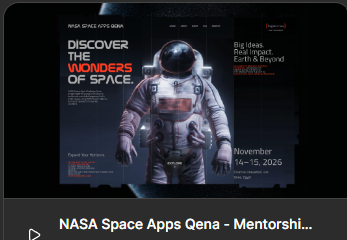
NASA Space Apps Qena Portal
Complete UX, Design System & UI Kit
Hackathon Team ID System
Vector Badges & Physical Print Production
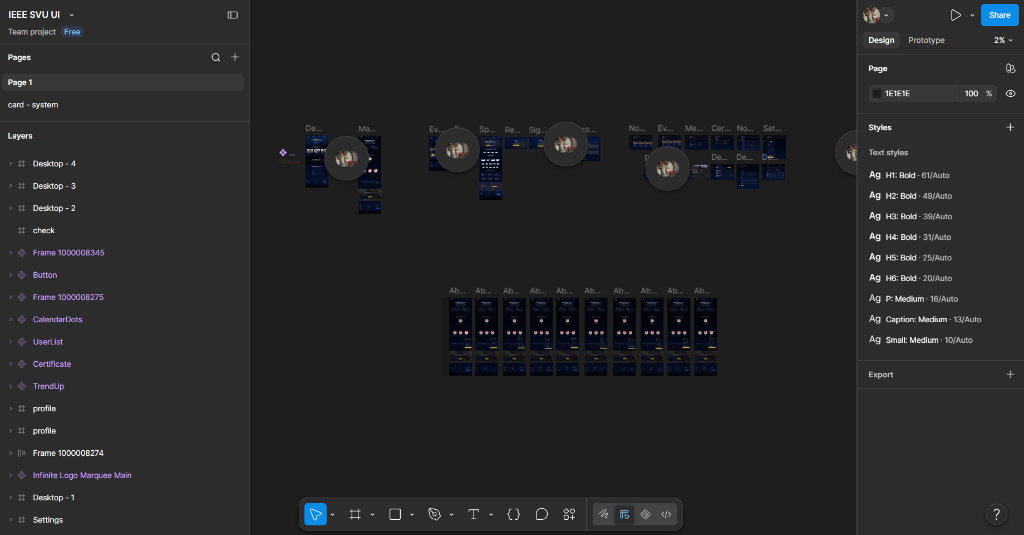
IEEE SVU SB — Design System
Ag Typography Matrix & Dark UI Cards
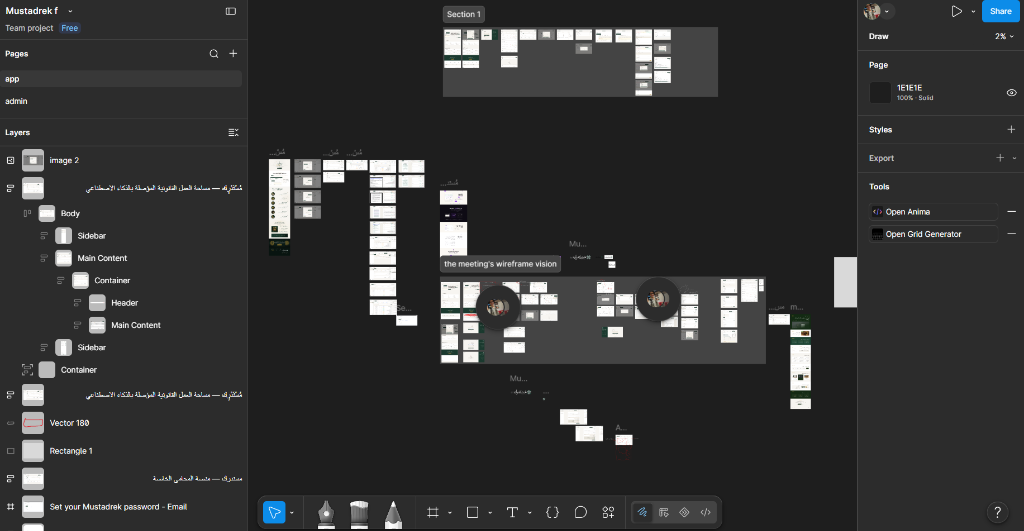
Mustadrek AI — Sovereign Legal UI
Multi-Screen Architecture & Admin Portal
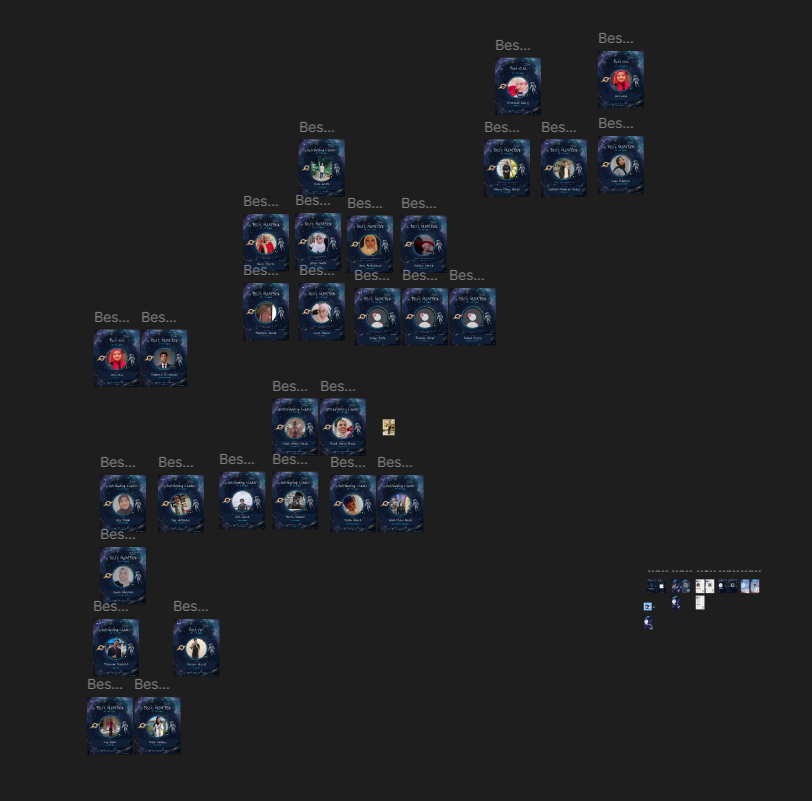
NASA Space Apps — Best Member Posts
Social Identity & Recognition Grid
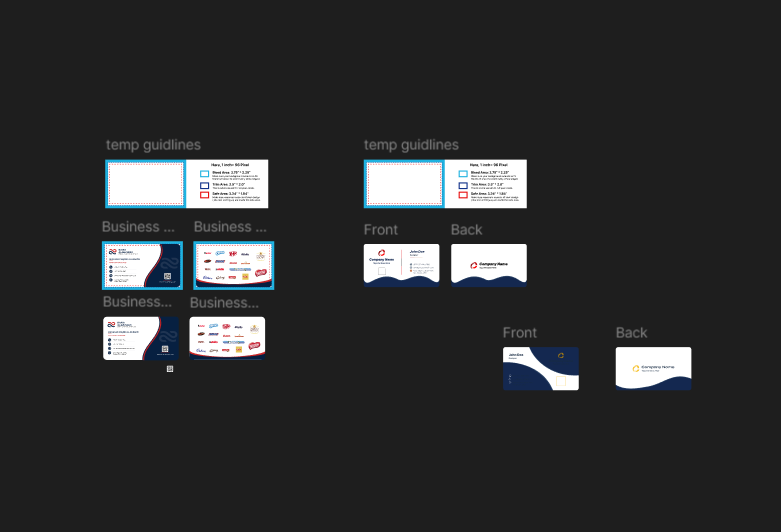
Commercial Print Specs — 1,000+ Runs
Mechanical Bleed, Trim & Safe Zones
The Scattered FigJam Desk
A tactile sandbox where you can pick up, drag, and reorganize actual FigJam screenshots and handwritten sticky notes with organic spring physics—or pin your own note on the desk!
HirEase: My very first user flow diagram
Physical team badge & lanyard punch line
Easy Trade: Sitemaps, wireframes & screens
Dark mode card hierarchy & text tokens
Rule #1: Zero AI slop. Interfaces must feel warm, human, and tactile under the cursor.
Commercial print bleed: 3mm outer safety margin so the guillotine trimmer never nicks text.
FigJam is where chaotic thoughts find geometry before Figma auto-layout freezes them.
“Design is how the chaos discovers harmony.”
Want to see a specific FigJam board or Figma file in real-time? Let's connect.